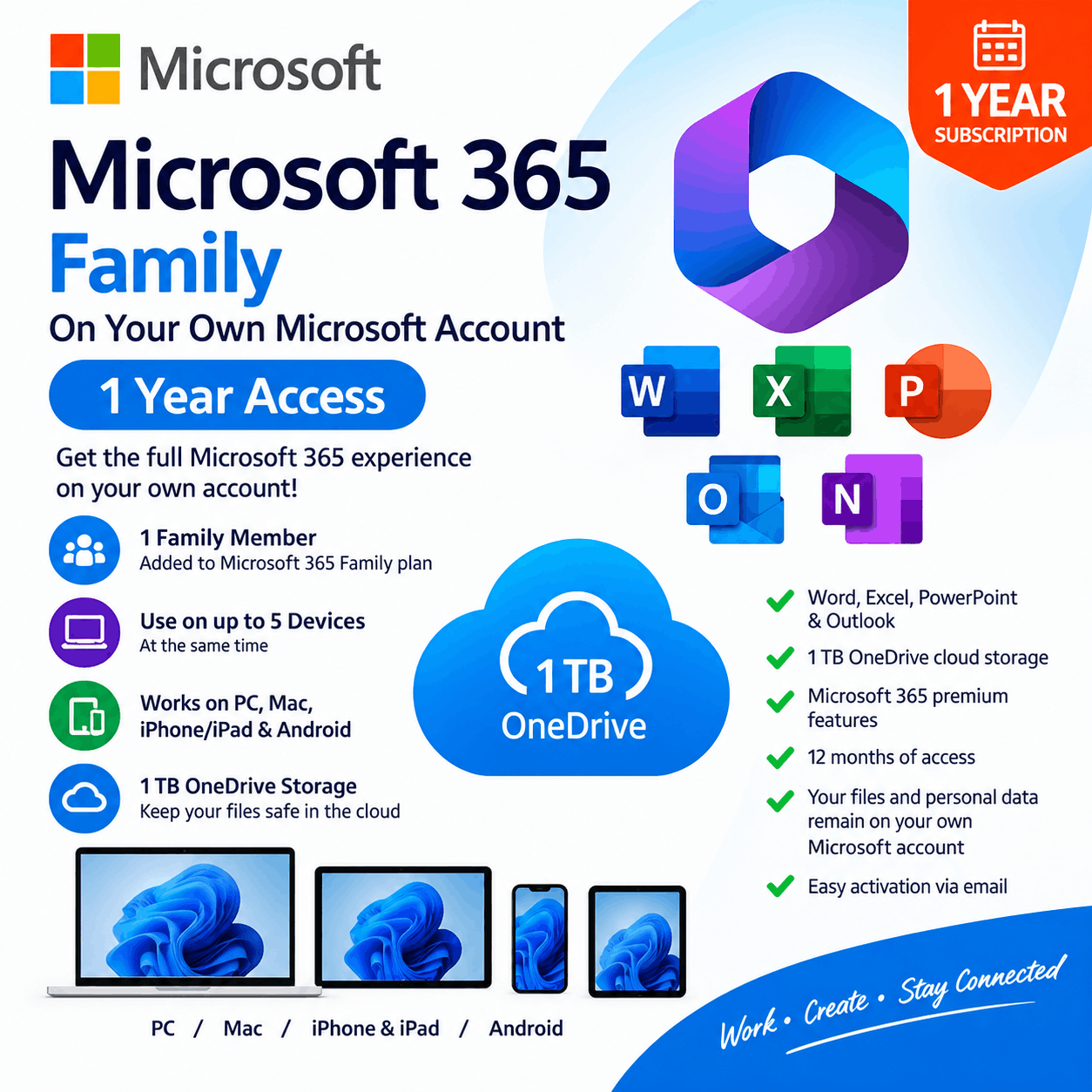
Office 365 Family on Your Own Email– 1 Year 1 Member Invitation | For 5 Devices
$19.00 & 5% OFF on order above 5 Qty
Get Office 365 Family On your own Microsoft account – 1 Year for 5 Devices +1TB OneDrive
How It Works
-
Get Microsoft 365 Family access on your own Microsoft account for 1 year.
-
After purchase, provide your Microsoft account email.
-
We’ll send a Family Invitation to your email to join as a family mamber under our family subscription.
-
Accept the invitation and join our Microsoft 365 Family subscription.
-
No password is required, and your existing Microsoft account remains yours.
-
👤 1 Family Member added to the Microsoft 365 Family plan
-
💻 Use on up to 5 devices at the same time using same account.
-
📱 Works on PC, Mac, iPhone/iPad & Android
-
☁️ Includes 1 TB OneDrive storage
What’s Included
-
Microsoft Word, Excel, PowerPoint & Outlook
-
1 TB OneDrive cloud storage
-
Microsoft 365 premium features
-
12 months of access
-
Your files and personal data remain on your own Microsoft account
-
Easy activation via email
Buy 5 or more to get Extra 5% Discount
- Satisfaction Guaranteed
- No Hassle Refunds
- Secure Payments
- Fast email delivery
- 3 day Replacement Warranty
Description
Microsoft 365 Family – 1 Year Invitation | 1 Member | 1TB OneDrive + for 5 Devcies
1-Year Microsoft 365 Family Membership – Activated on Your Own Microsoft Account
Get 12 months of Microsoft 365 Family access by joining our Microsoft 365 Family subscription as one family member. You will use your own Microsoft account and email—no account sharing and no password required.
✨ What You Get
-
👤 1 Family Member slot, For 5 Devices (Mac,Windows,phone)
-
📅 12 months / 1 year access
-
💻 Microsoft Word, Excel, PowerPoint & Outlook
-
☁️ 1TB OneDrive cloud storage
-
✨ Microsoft 365 premium features
-
🔐 Activated on your own Microsoft account
-
📧 Invitation delivered to your Microsoft account email
-
🔒 No password required
-
⚡ Quick and easy activation
📌 How It Works
-
Purchase the product.
-
Provide the email address associated with your Microsoft account.
-
We will send a Microsoft 365 Family invitation to your email.
-
Accept the invitation using your own Microsoft account.
-
You will be added as 1 member of our Microsoft 365 Family subscription.
-
Enjoy Microsoft 365 and 1TB OneDrive storage for 12 months.
🔒 Your Account & Data Stay Yours
You are added to the Family subscription using your own Microsoft account. Your existing Microsoft account, files, documents, emails, and OneDrive data remain associated with your own account. We do not require your Microsoft account password.
📦 Product Type
-
Digital product
-
Delivery: Microsoft Family invitation by email
-
Membership: 1 person
-
Can be Use on up to 5 devices at the same time
-
📱 Works on PC, Mac, iPhone/iPad & Android
-
Duration: 12 months
-
Storage: 1TB OneDrive
-
Activation: Microsoft 365 Family invitation
Reviews
There are no reviews yet.